 Timer
TimerIntroducing our Timer widget – the perfect online timer to infuse energy and structure into your teaching sessions! It is as simple as opening the widget, setting the time and pressing start. No ads, no fuss.
- Core widget
- Time management
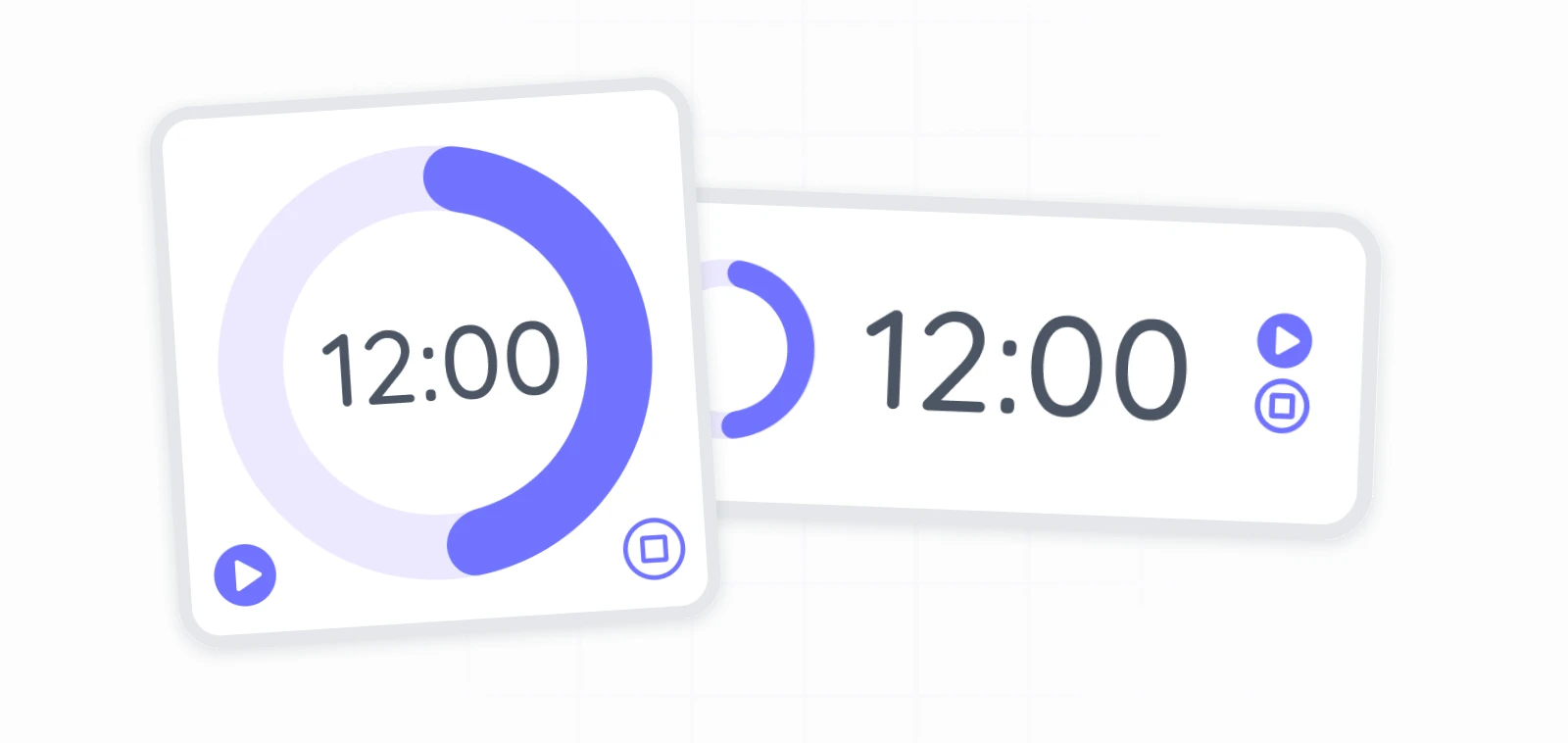
How our online timer works
Our free digital timer widget is user-friendly and efficient. It has three different display options which can be changed through simply shrinking and expanding the countdown timer with your mouse or touch.
To get started:
- Choose the free timer for Classroomscreen from the widget bar..
- Modify the timer on the fly by adding minutes and seconds with the "+" or "-" buttons.
- Start the countdown to signal the beginning of a task or activity.
tip:
Doing rotations? Set up repeats through the widget settings so you can focus on teaching.
How to use a classroom timer
There are so many ways that 5, 10 and 15 minute timers can be used to assist your teaching. Ensure smooth transitions between activities by utilizing setting short intervals for focused tasks or longer durations for group activities. Explore exciting Timer Challenges to take your classroom engagement to new heights. Implementing exercises like Beat the Clock to encourage students to complete tasks within a set time or time constraints to quizzes are great ways to bring excitement to your classroom and keep students engaged.
example:
Have you played Just a minute? This fun free game uses the Timer widget!

I could not get through my day without the timer. It repeats in cycles and has many different sounds for the bell when the time is up!
Barbara Jones
Teaches primary grades 1 and 2 in a multiage setting
If you are looking for time management strategies, check our some of our ready-made screens like Silent reading. You can also display the time on screen during your lessons to help students manage their time more effectively. With the classroom timer screen, you can set time limits for activities and keep everyone on track.

